 Flux IPTV
IPTV player for iPhone, iPad and Apple TV
Live TV, movies and series from your own playlist.
Flux IPTV plays M3U and Xtream playlists. It has a proper TV guide, remembers where you stopped, and handles whatever format your provider sends.

Free to download. A player only: bring your own playlist.
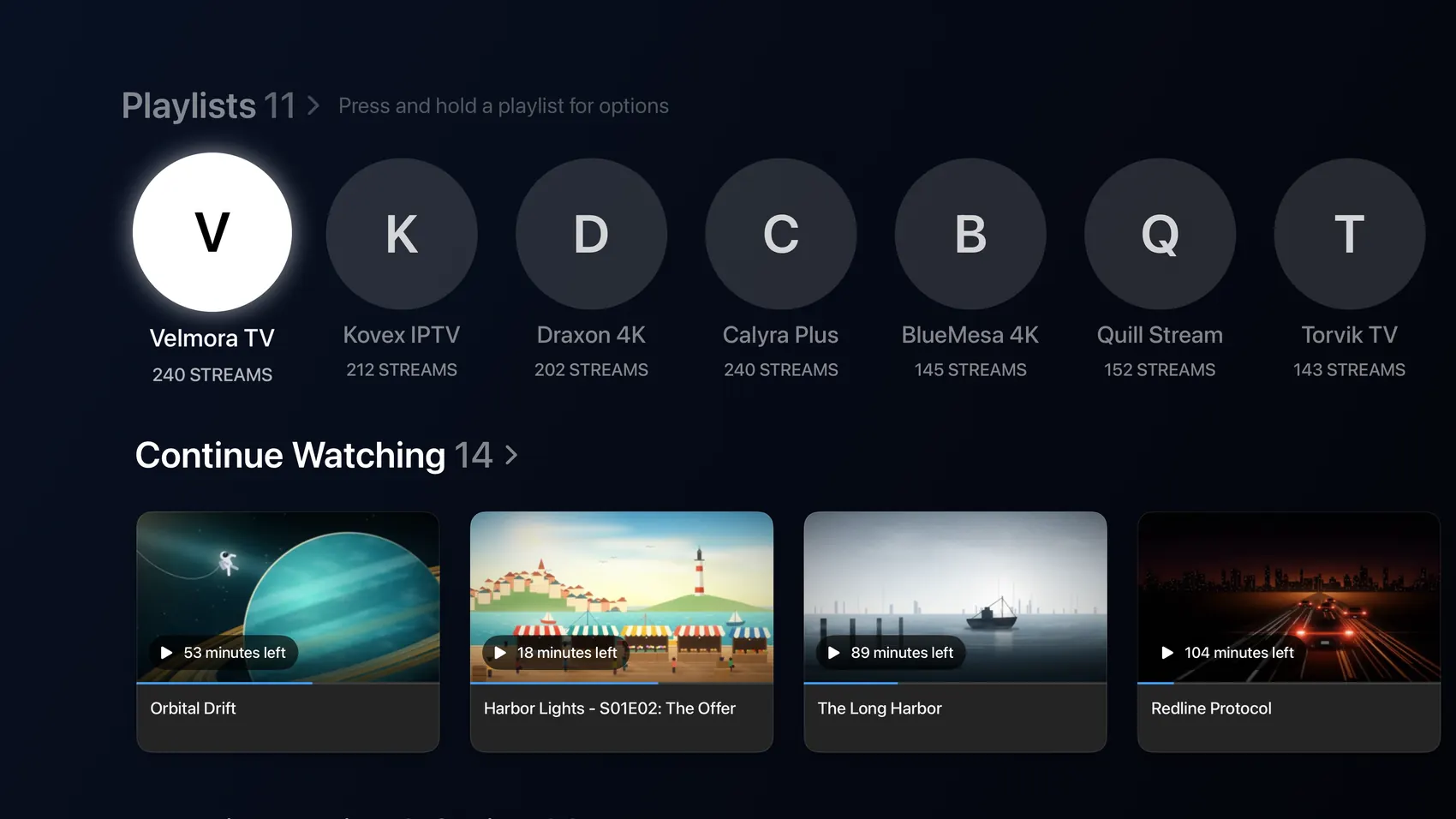
How it works
Add the M3U link or Xtream login your provider gave you, and Flux IPTV sorts it into Live TV, Movies and Series. It comes with no channels and no subscription.
Movies & series
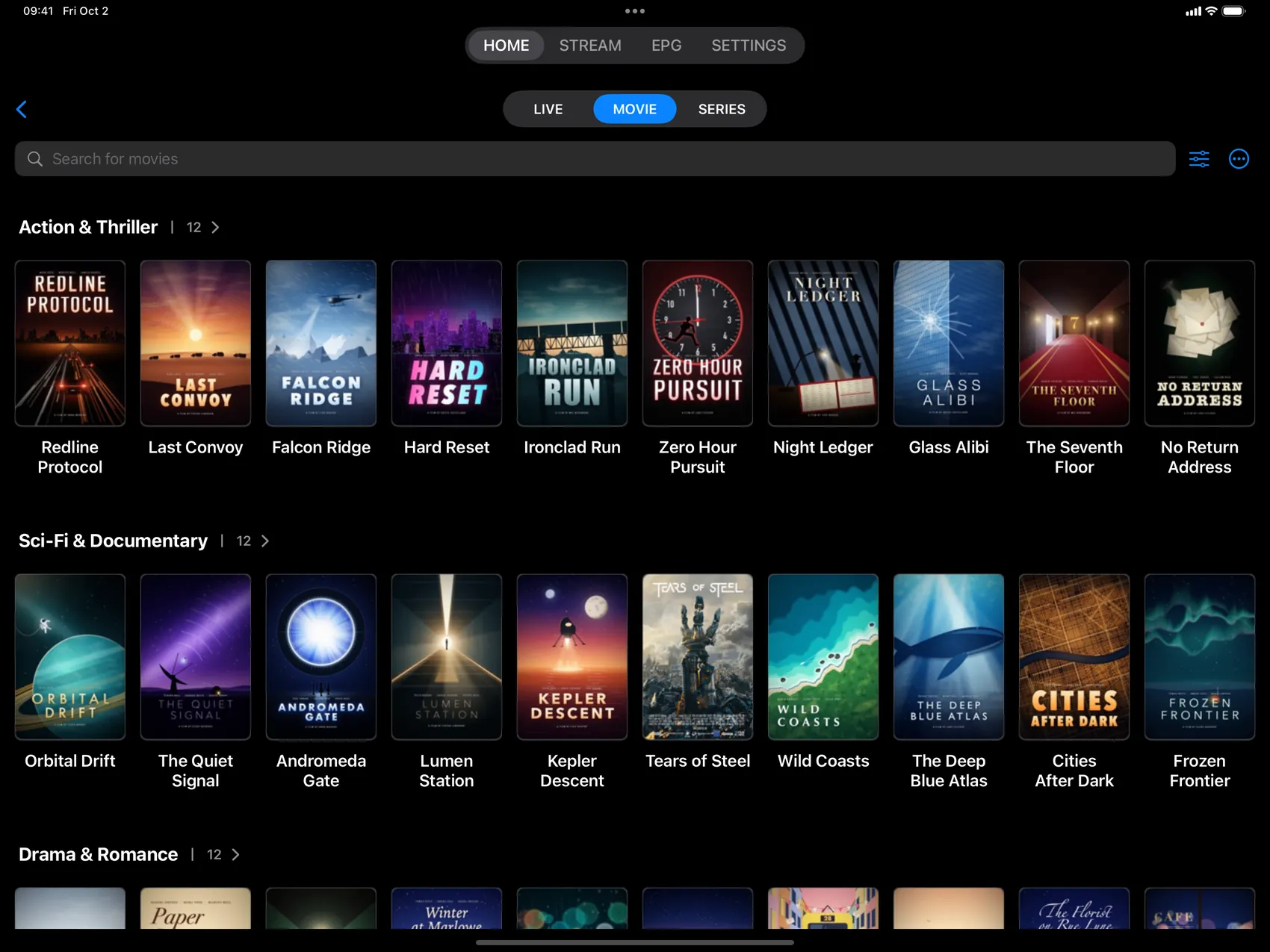
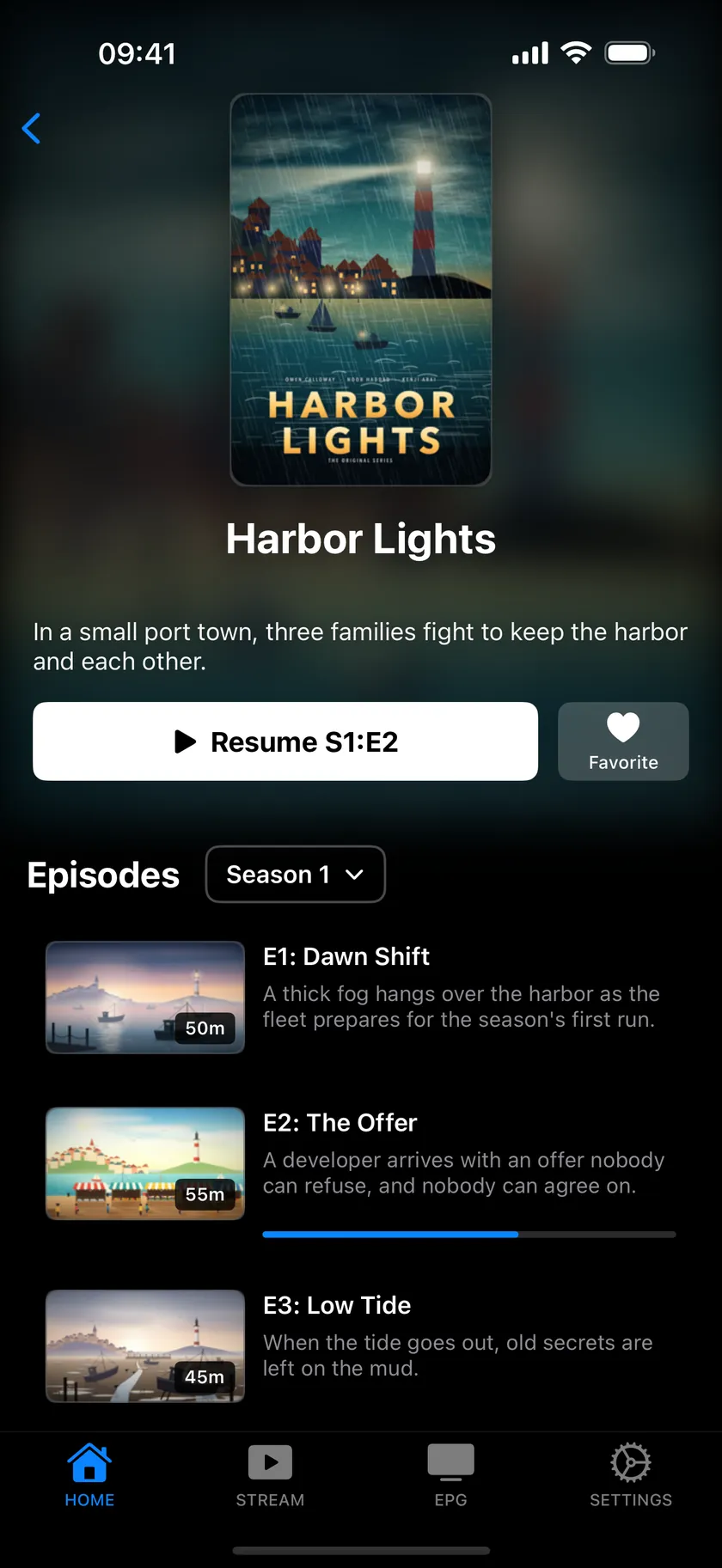
Browse like a streaming app.
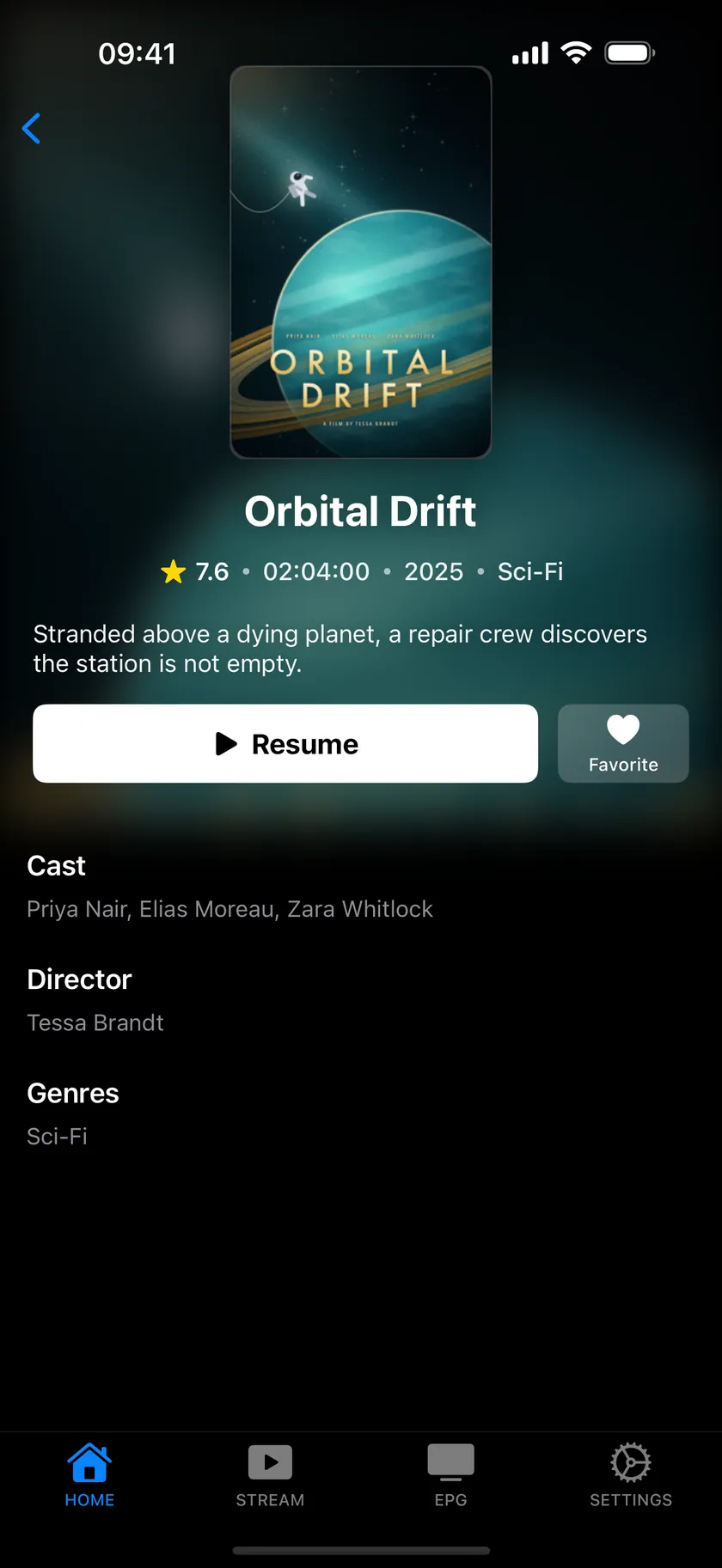
Rows by category, big posters, season and episode lists. Search across your whole library, keep favorites, and pick up where you left off from the Continue Watching row.
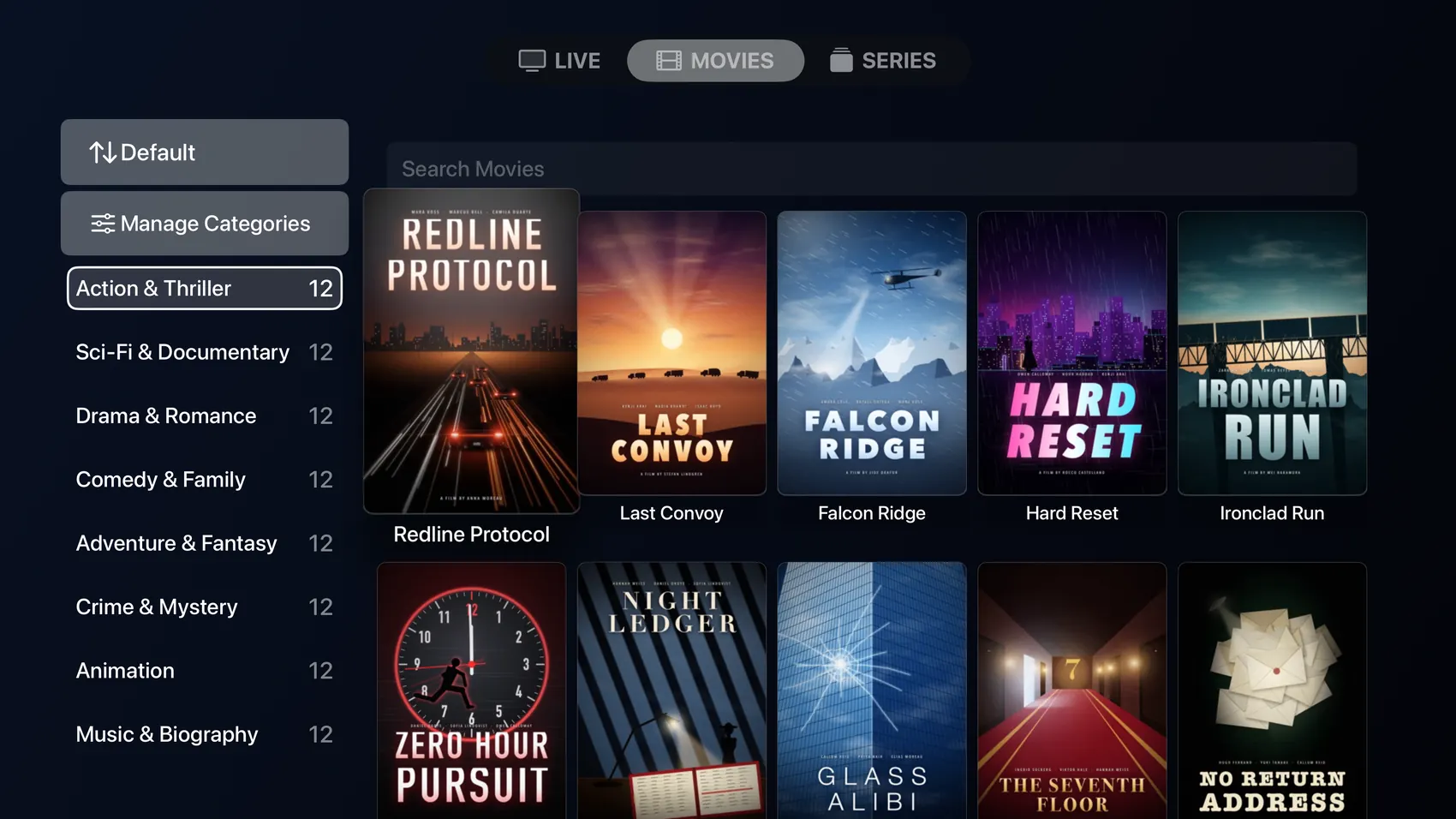
On Apple TV, your categories sit in a list beside a wall of posters.
Live TV & guide
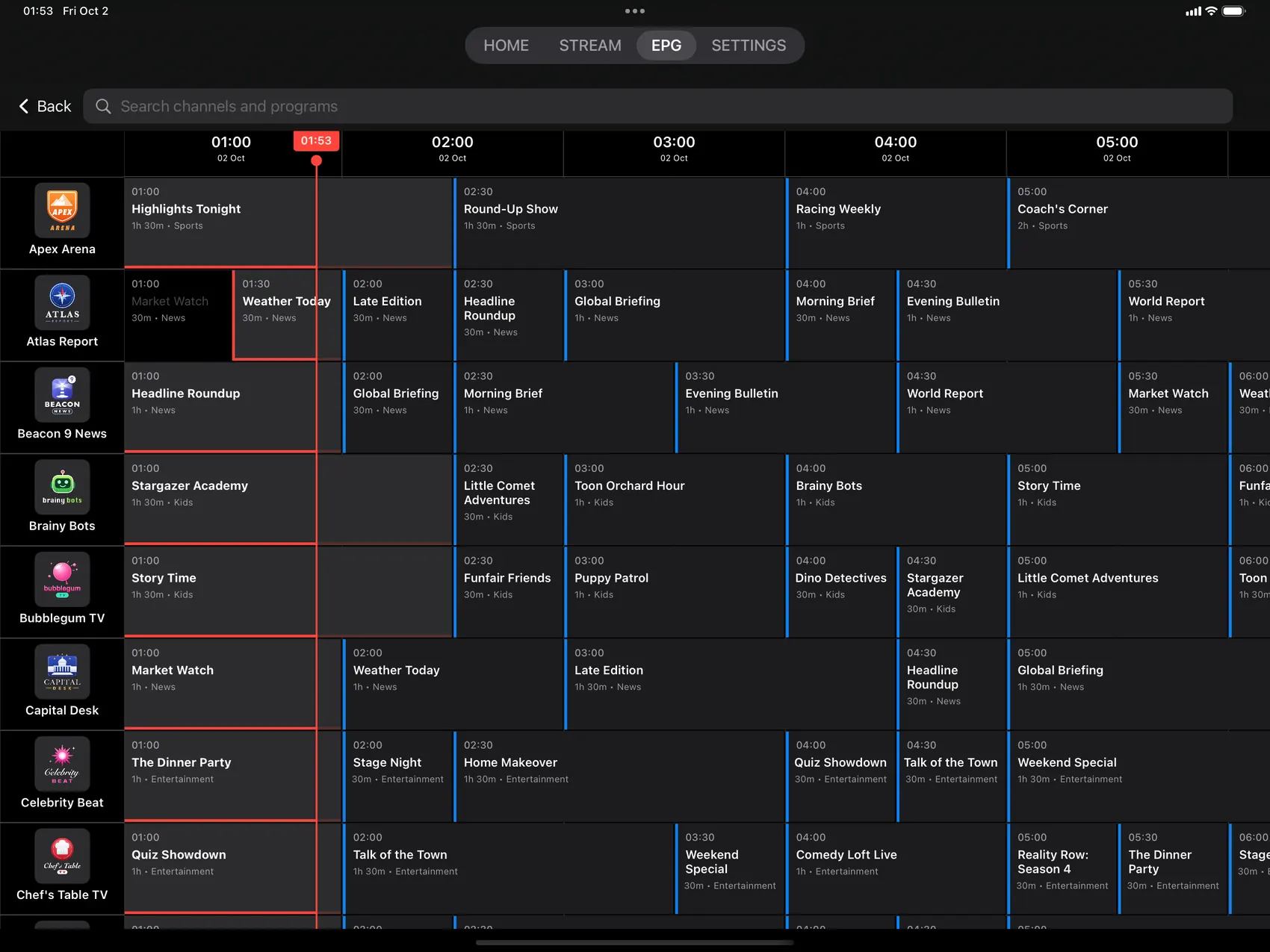
What’s on? Just look.
Now and next for every channel in one guide. Open a program for details and tune in. iPhone and iPad can also search the guide and remind you when a show starts.
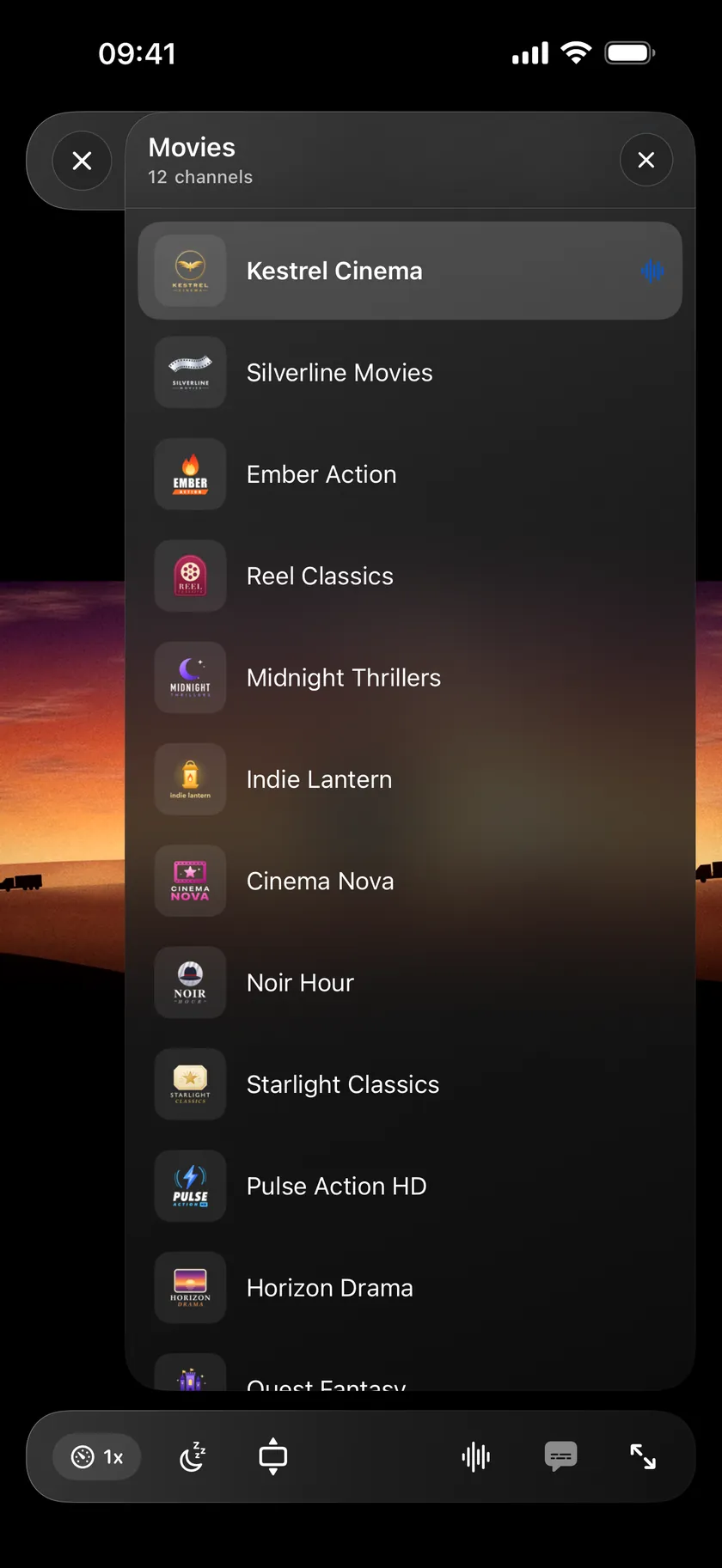
In the player, open the channel list to switch channels without leaving the video.
Player
A proper player.
Built on FFmpeg, with the controls you’d expect from a desktop player.
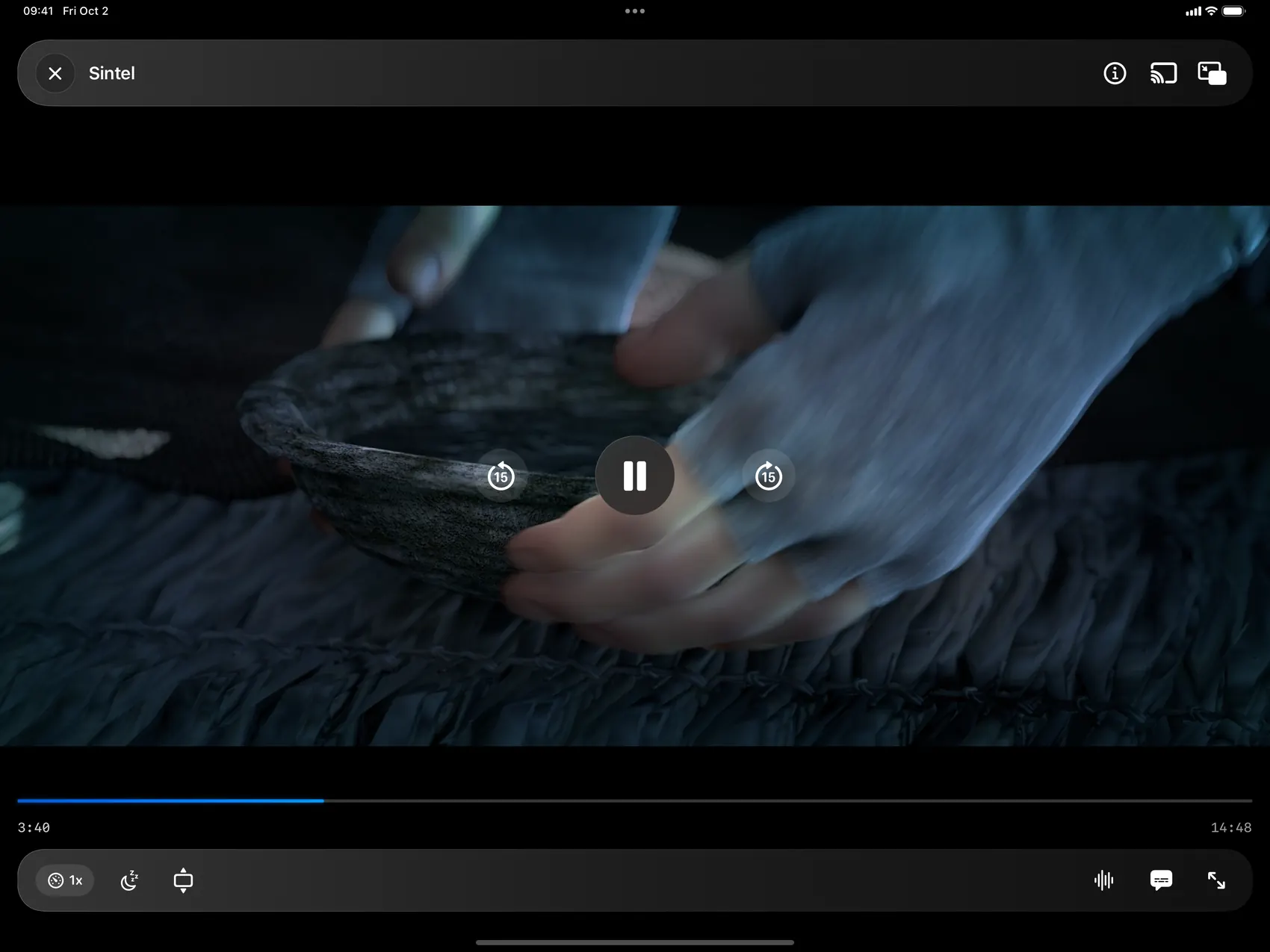
iPhone and iPad
- SubtitlesSize and preferred language
- Audio tracksSwitch language any time
- Picture in PictureKeeps playing over other apps
- Google CastSend it to your TV
- Speed0.5× to 2×
- Sleep timer15 minutes to 1 hour
- Aspect ratioFit, fill or stretch
- GesturesDouble-tap to seek, swipe for volume and brightness
- Playback infoCodec, bitrate, HDR, dropped frames
- Next episodeStarts by itself when an episode ends
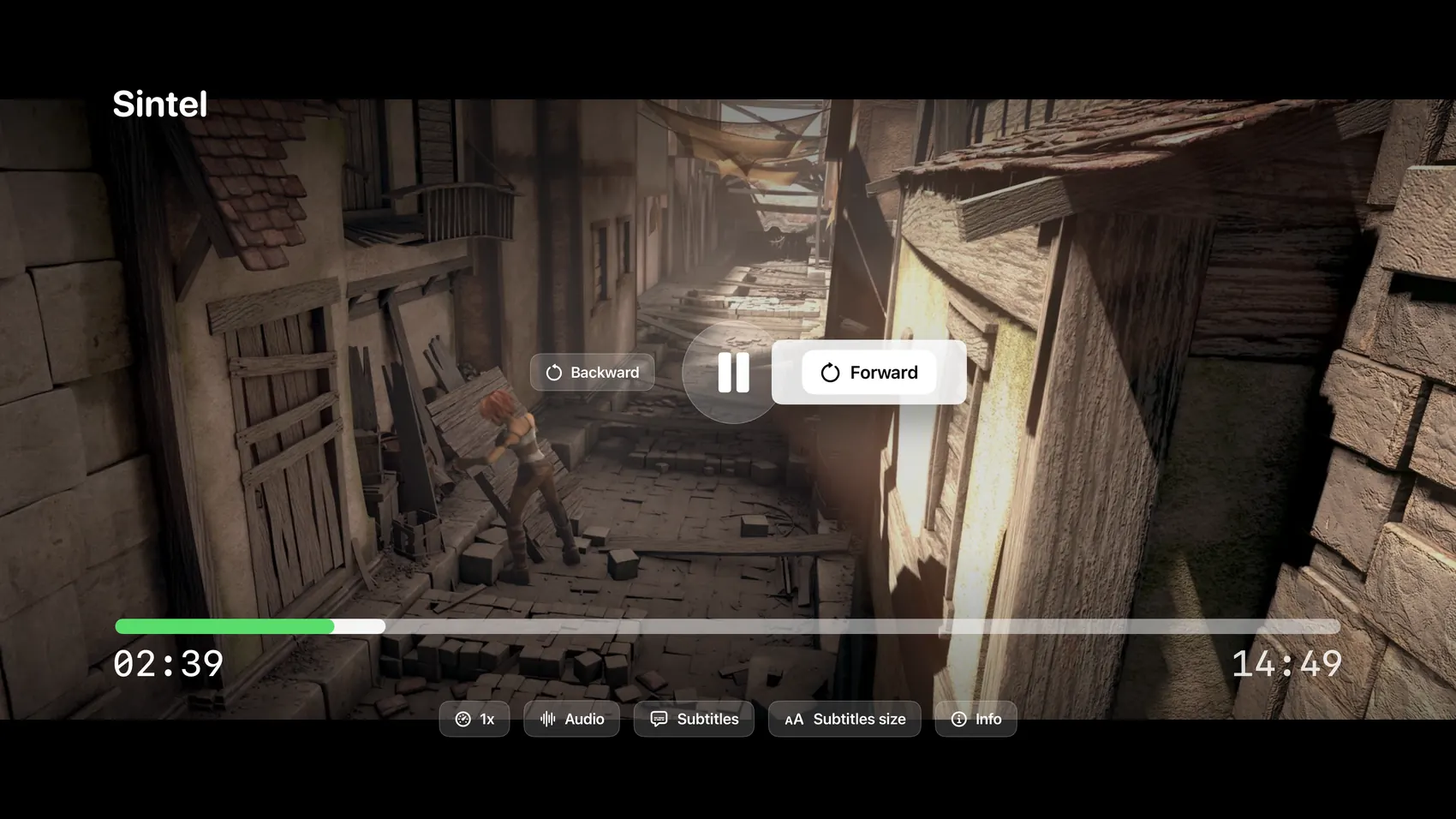
Apple TV
- SubtitlesSize and preferred language
- Audio tracksSwitch language any time
- Speed0.5× to 2×
- Playback infoResolution, frame rate, audio codec
- Channel listSwitch channels from a side panel
- Siri RemotePress left or right to jump ahead or back
- Next episodeStarts by itself when an episode ends
Sintel © Blender Foundation | durian.blender.org · CC BY 3.0
Also in the app
- Categories
- Provider lists can run to hundreds of categories. Hide the ones you never open and sort the rest your way. On iPhone and iPad you can also reorder them by hand.
- Resume
- Every movie and episode remembers where you stopped. With iCloud sync, favorites, history and watch positions follow you from one device to the next, Apple TV included. iCloud sync is part of Premium.
- Parental control
- Lock playlists and hidden categories behind a PIN, or lock the whole app.
- Auto-update
- Playlists can refresh themselves every 24 hours, so channel lists stay current.
- Apple TV
- Works with the Siri Remote. Press left or right to skip ahead or back, and press and hold a playlist or title for quick actions.
- Languages
- 30+ languages, including English, Spanish, French, German, Portuguese, Arabic and Turkish.
Plays what your provider sends.
Decoding is hardware-accelerated through VideoToolbox for H.264, HEVC, VP9 and ProRes.
- Video codecs
- H.264/AVC, H.265/HEVC, VP8, VP9, AV1, MPEG-1, MPEG-2, MPEG-4, VC-1, Theora, ProRes, DNxHD
- Audio codecs
- AAC, MP3, AC3, E-AC3, DTS, DTS-HD, TrueHD, FLAC, ALAC, Vorbis, Opus, PCM
- Containers
- MP4, MKV, AVI, MOV, WebM, FLV, TS, M2TS, WMV, ASF, OGG, 3GP
- Network protocols
- HTTP, HTTPS, HLS, RTSP, RTMP, RTP, UDP, TCP, FTP, MMS, MMSH, DASH
- Subtitles
- SRT, ASS/SSA, VTT, SUB, IDX, PGS, DVB, CEA-608, CEA-708, Teletext
- Playlists
- M3U, M3U8, Xtream API, XMLTV (EPG)
Free to download.
Premium is optional and adds unlimited playback, iCloud sync and Family Sharing.