 Flux IPTV
 2.0
Easier to use.
A smoother experience.
Flux IPTV 2.0 redraws every screen on iPhone, iPad and Apple TV. Fewer taps, less clutter, and the same calm design wherever you watch.

A free update. Flux IPTV is a player only: bring your own playlist.
Major Update 2.0
What we set out to do
We wanted Flux to feel easier, more enjoyable and familiar from the first tap. No clutter, and more done with fewer taps: that was the brief for every screen.
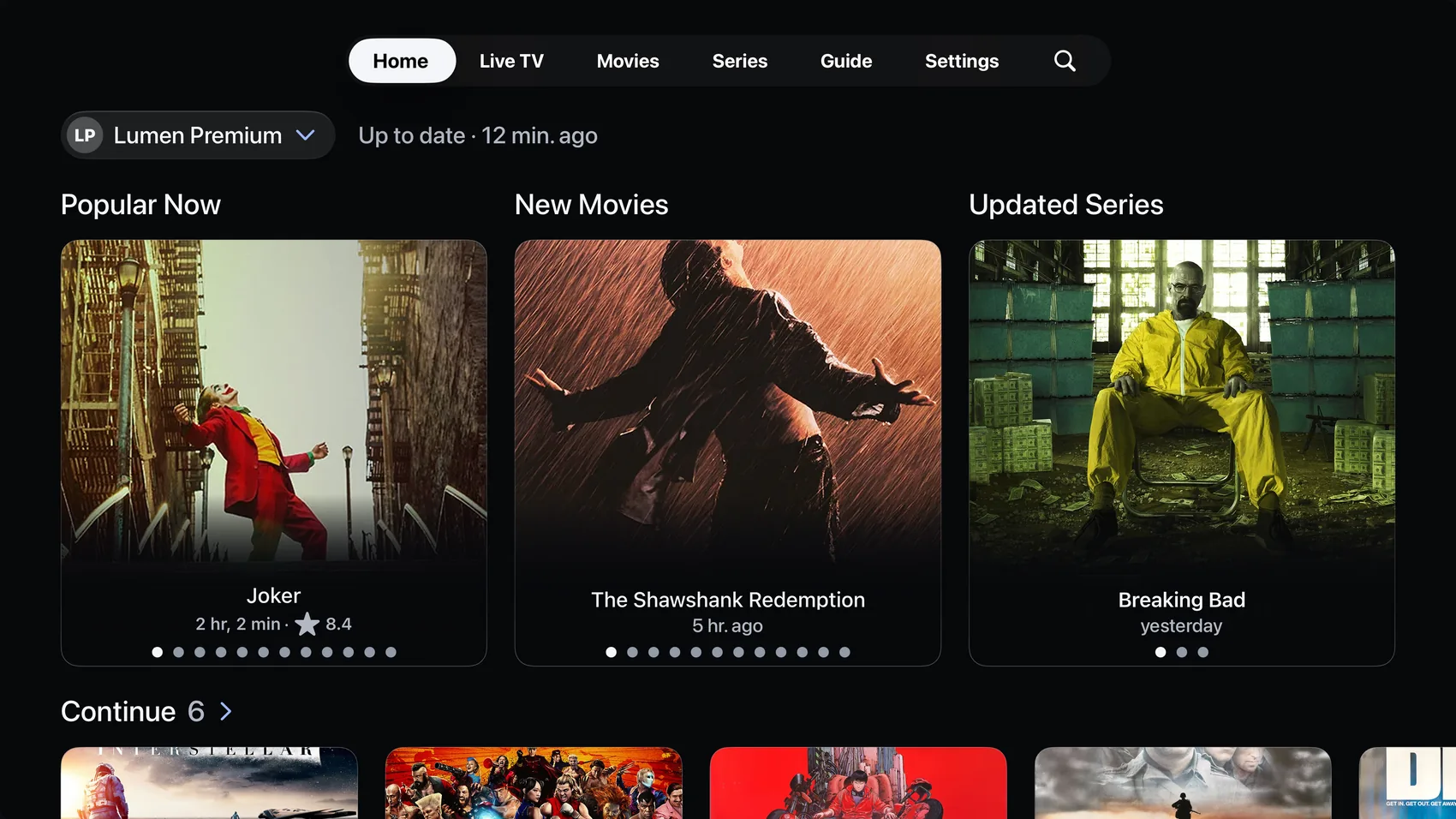
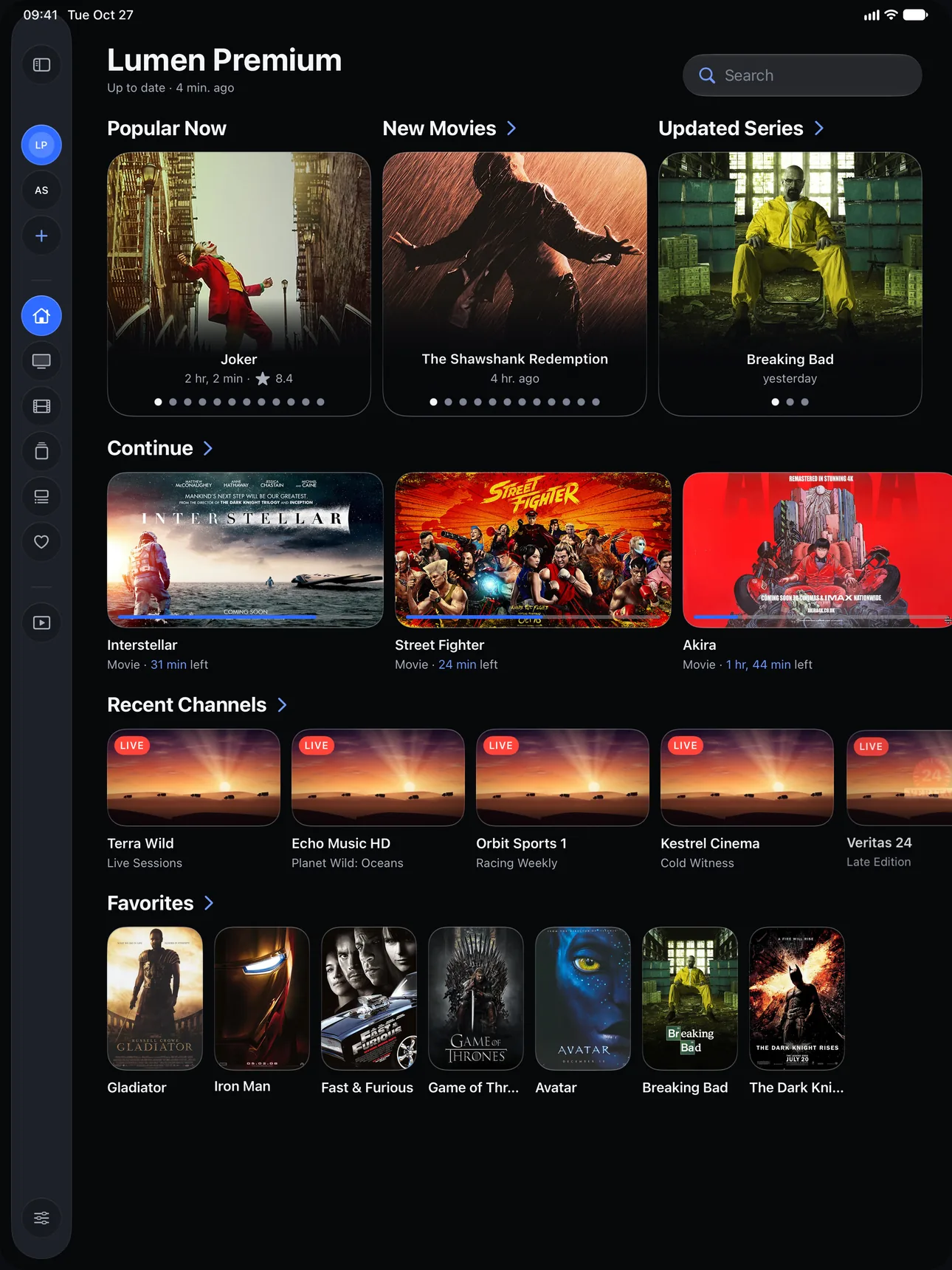
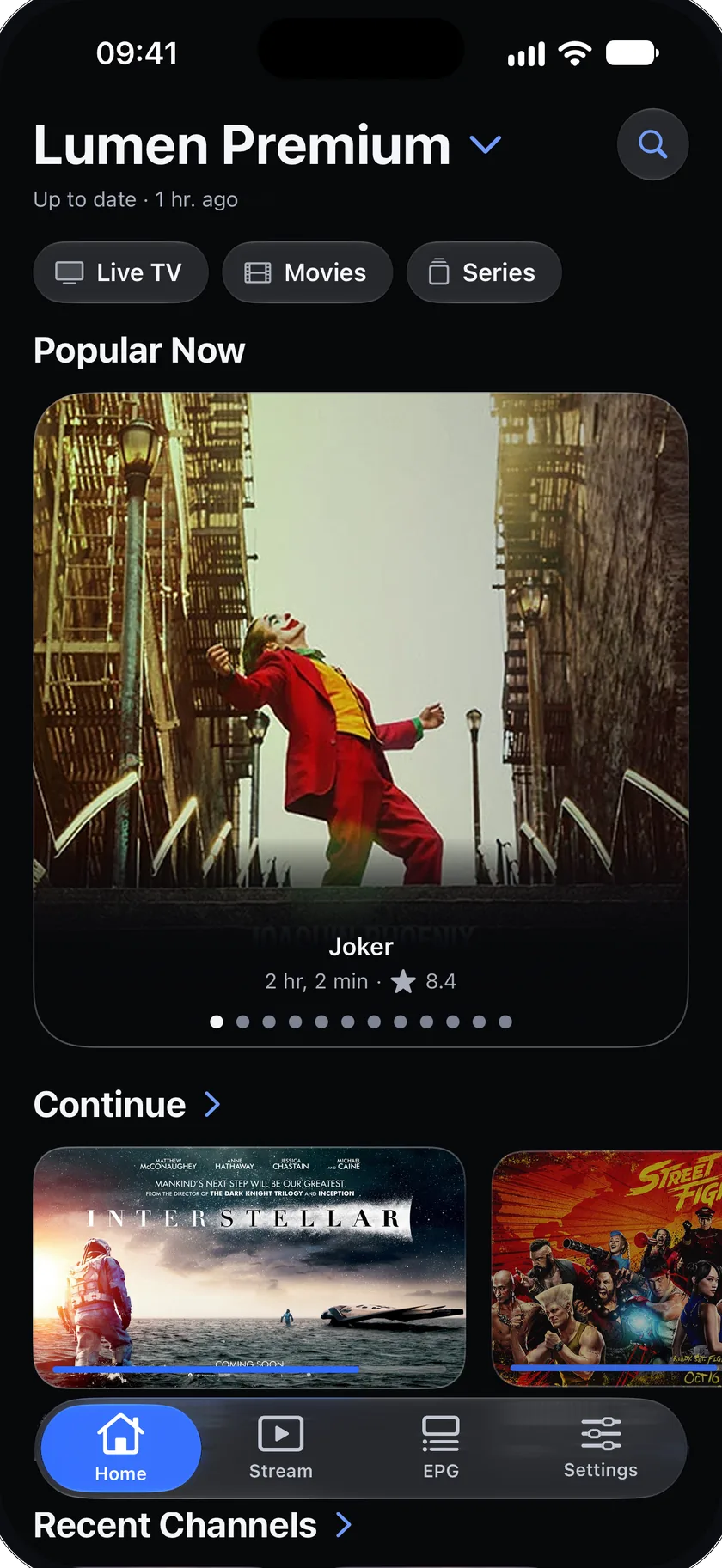
HomeHome shows what to watch.
Popular Now picks out the movies in your library that are in the movie charts. Continue, Recent Channels and Favorites sit right under it.
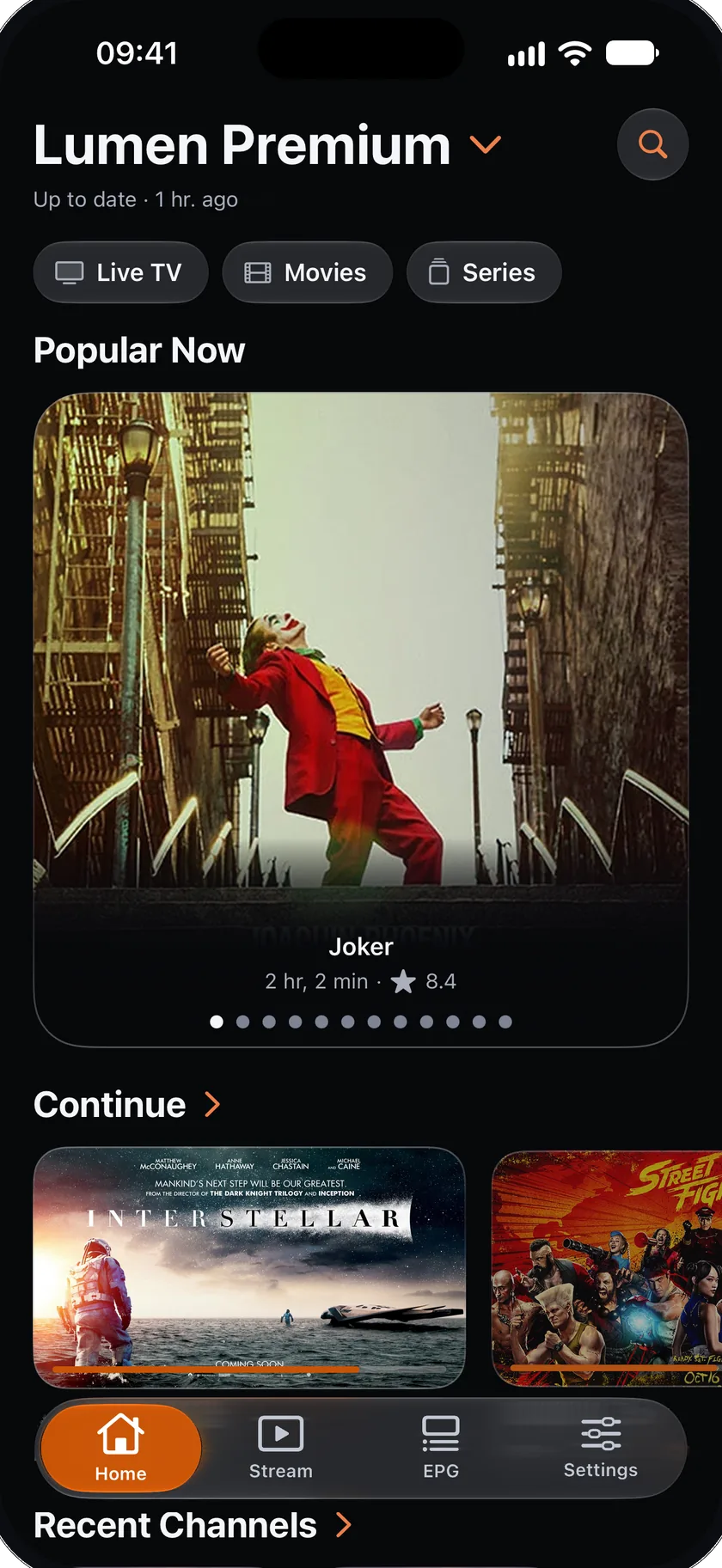
Make it yours: Edit Home chooses which rows show and in what order, and Settings has ten accent colors. The choice is the same for every source.
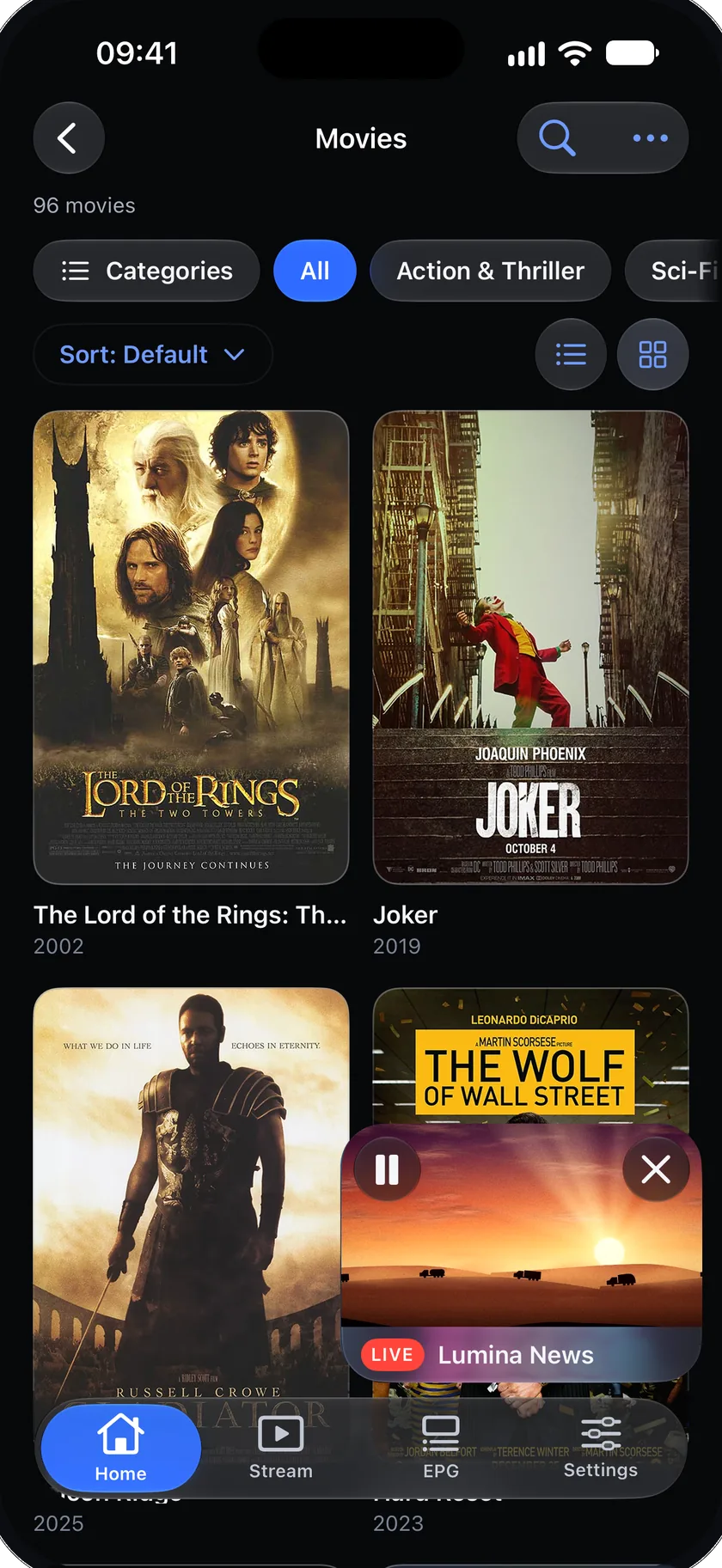
PlayerWatch while you browse.
Swipe the player down and the video keeps playing in a small window while you look around. Double-tap to skip ahead or back, hold to watch at 2× speed.
These are on iPhone and iPad. On Apple TV, left and right on the Siri Remote skip.
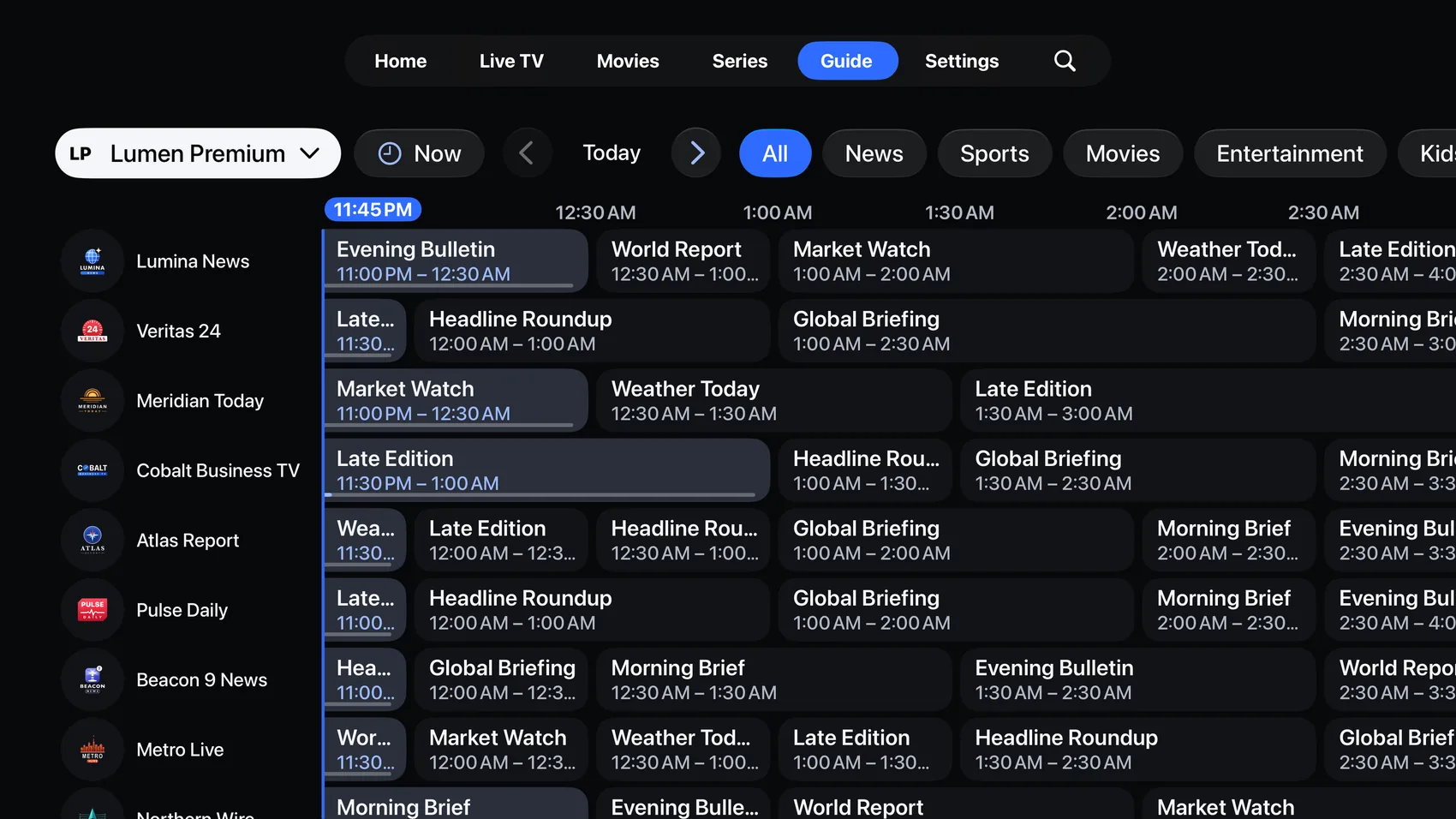
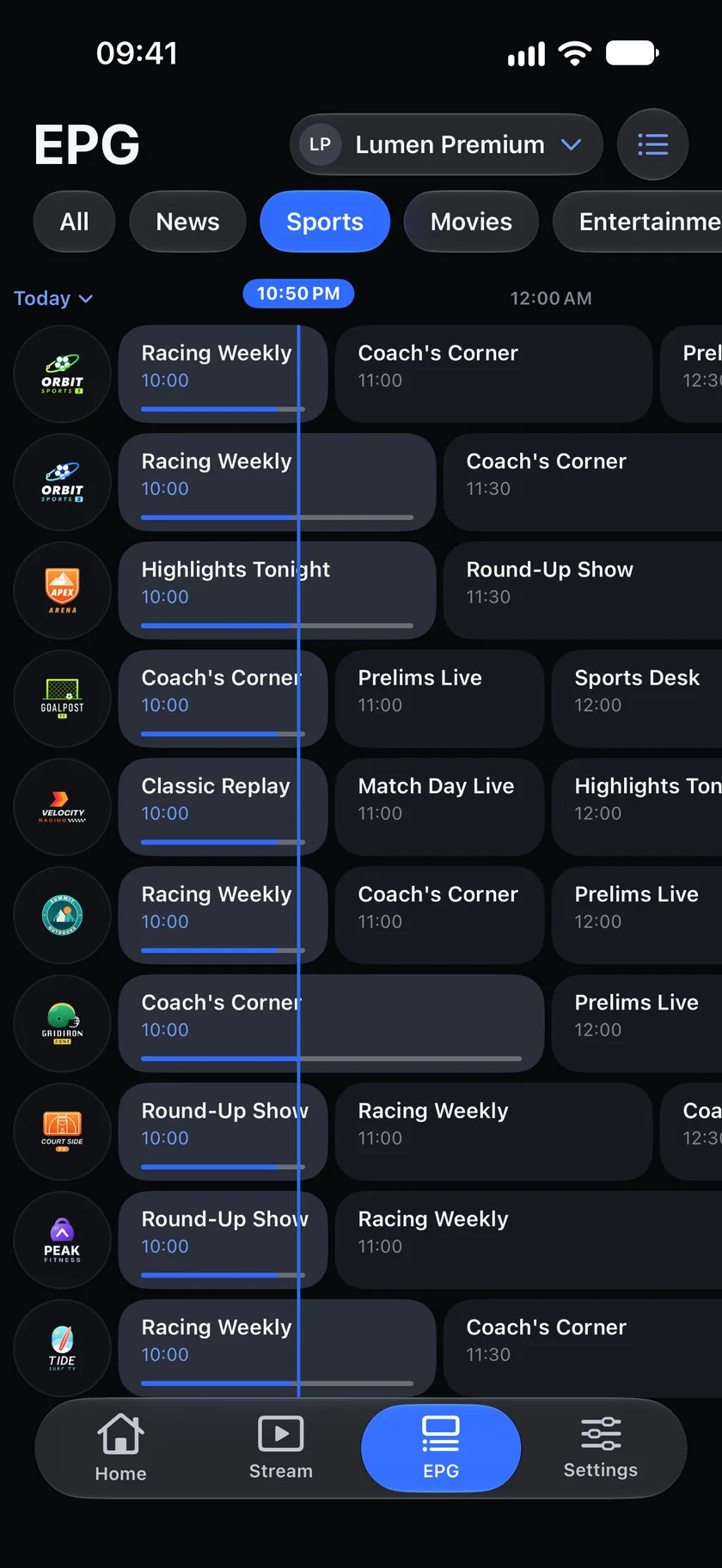
Live TV & guideA guide that gets to the point.
The guide opens on your favorites, so what’s on is one glance away. Now and next for every channel, in a grid that looks the same on iPhone, iPad and Apple TV.
No guide with your list? Add an XMLTV link in a few taps: Add a TV guide (EPG).
Everything else that changed
- Add a source
- Pick M3U or Xtream first. Flux tries a real channel before it saves, so you know it works.
- Apple TV
- A new menu along the top (Home, Live TV, Movies, Series, Guide and Settings) and the same Home as iPhone and iPad.
- iPad
- A side panel that folds into a narrow rail when you want more room.
- Languages
- 34 languages.
Works on iPhone, iPad and Apple TV
- iPhone
- iOS 18.0 or later, including iPhone Duo open and closed.
- iPad
- iPadOS 18.0 or later, in portrait and landscape.
- Apple TV
- tvOS 18.0 or later, with the Siri Remote. More about Flux IPTV on Apple TV.
- Only on iPhone and iPad
- The small player, the double-tap and hold gestures, Picture in Picture, Google Cast and the sleep timer.
- Your own content
- Flux IPTV plays the M3U link or Xtream login you bring. It comes with no channels and no subscription.
Free to update.
Open the App Store and update Flux IPTV. New here? It is free to download. Questions or feedback? Write to support@fluxiptv.app.