 Flux IPTV
IPTV player for Apple TV
Your own playlist, on the big screen.
Flux IPTV runs on Apple TV with tvOS 18 or later. Add the M3U link or Xtream login your provider gave you and watch Live TV, movies and series with the Siri Remote.

Free to download. On the Apple TV, open the App Store and search for Flux IPTV.
Set it up
- Get from iCloud
- Add your source in Flux IPTV on an iPhone or iPad first. On the Apple TV, open Settings › Sources › Add Source and choose Get from iCloud: sources added with the same Apple Account show up by themselves, and the Apple TV downloads their lists from your provider. Nothing to type. This uses iCloud Sync, which is part of Premium.
- Enter Manually
- Choose M3U for a link or Xtream for a server address, username and password, then Try and Add Source. Hold an iPhone near the Apple TV and the keyboard opens on the phone. Step by step: M3U playlist, Xtream Codes login.
- TV guide
- An Xtream login brings its guide along. For an M3U list, open the Guide tab and choose Add Guide: see Add a TV guide (EPG).
Made for the Siri Remote
- Click
- Shows the controls; they hide again by themselves.
- Play/Pause
- Pauses and resumes.
- Left or right
- Jumps back or ahead in movies and series, by the step you choose in Settings › Playback.
- Channels
- In live TV, this button in the controls opens the channel list, so you can switch channels without leaving the video.
- Press and hold
- On a title or a channel on Home, opens more options.
What Apple TV has
- Library
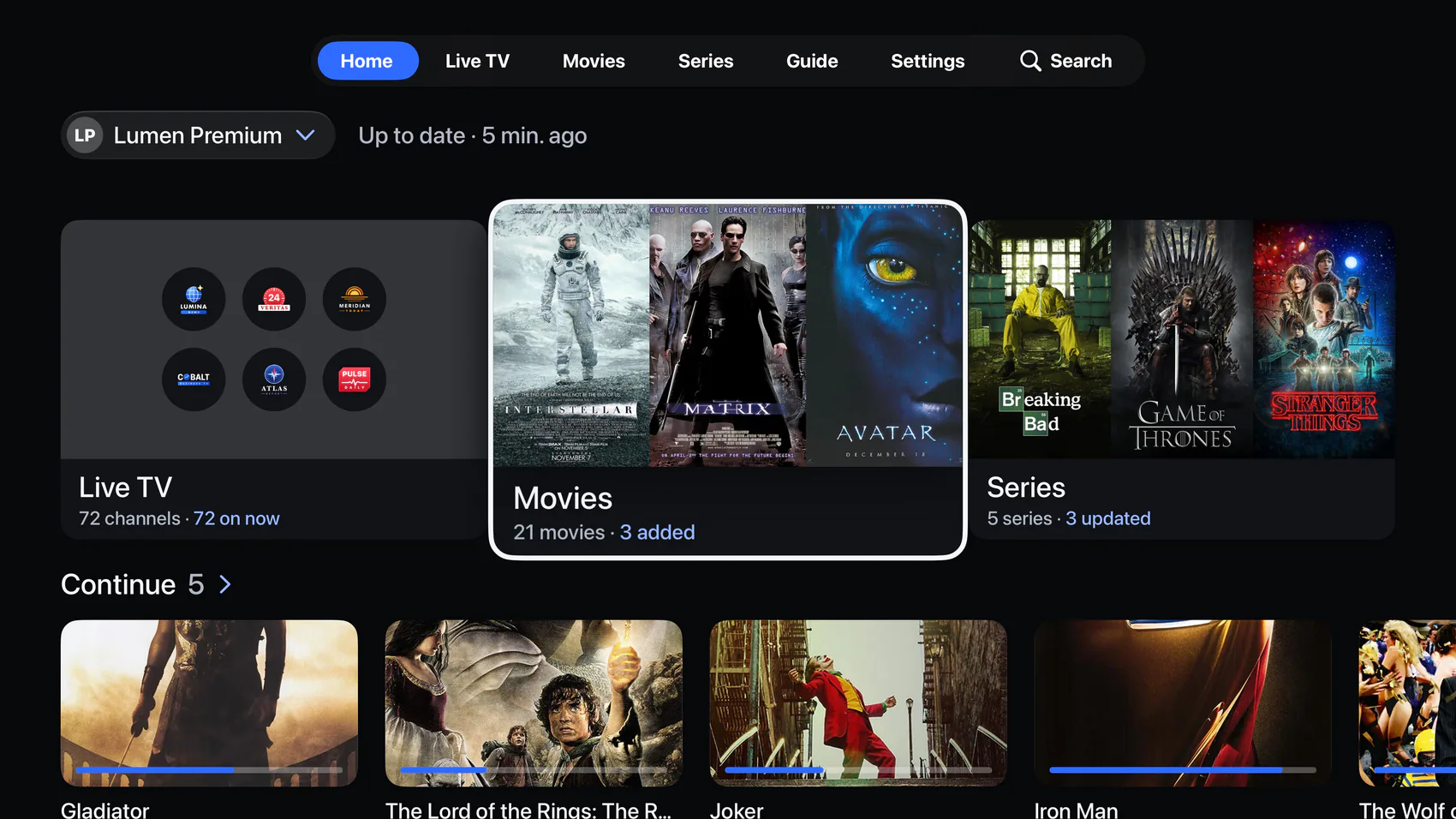
- Home, Live TV, Movies, Series and Guide as tabs at the top, with your categories in a list beside a wall of posters.
- Player
- Subtitles and their size, audio tracks, playback speed, playback information and the next episode.
- Parental control
- A PIN of 4 to 8 digits, asked at launch if you like, for locked sources and hidden categories.
- Only on iPhone and iPad
- Picture in Picture, Google Cast, aspect ratio, the sleep timer and touch gestures.
- Requirements
- Apple TV with tvOS 18.0 or later, an internet connection, and your own M3U link or Xtream login.
Free to download.
Flux IPTV comes with no channels and no subscription: it plays the playlist you bring. Premium is optional.